
- ✓Open the homepage. At the top, click Get started (new account) or Sign in (already have an account).
- ✓On the sign-up screen, choose Individual or Company and fill in name, email, ID document, phone, and password (minimum 6 characters).
- ✓Accept the terms, confirm you're human, and click Create account — free, no card required.
- ✓After signing in, use the Hub, tariffs, HTS, and companies; returning users go straight through the login screen.
Step 1 — homepage (top with Get started and Sign in)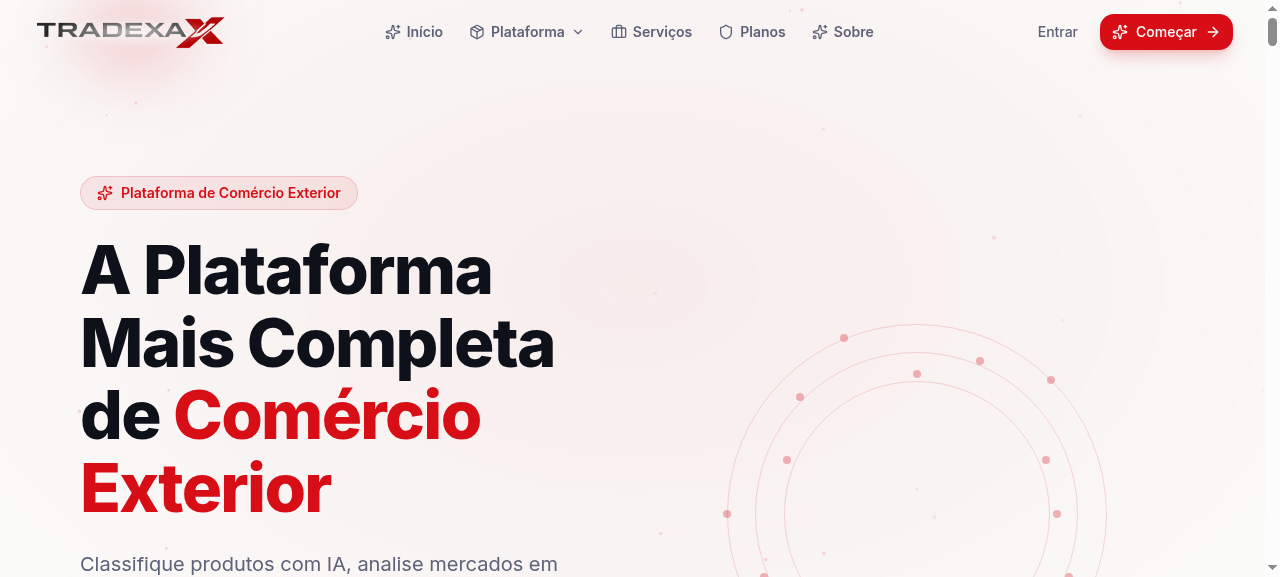
Step 2 — sign-up screen (fill in the fields)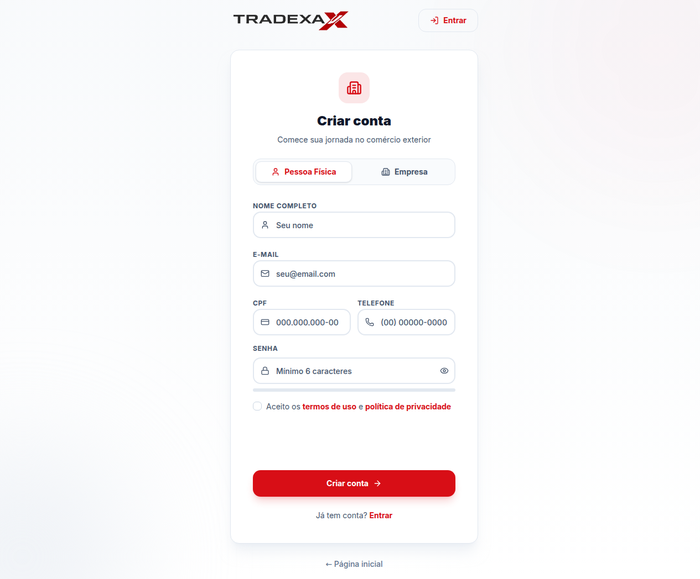
Questions? Talk to us via Contact.